How I Set Up PowerMTA on AlmaLinux 9 in 2026 – Step by Step (No Headaches)
Tired of manual PowerMTA installs taking forever on AlmaLinux 9? I tried it the hard way last month and hit tons of errors. Here's my real step-by-step that finally worked, plus how PMTAcore app makes it one-click simple in minutes. Great for bulk email in 2026!
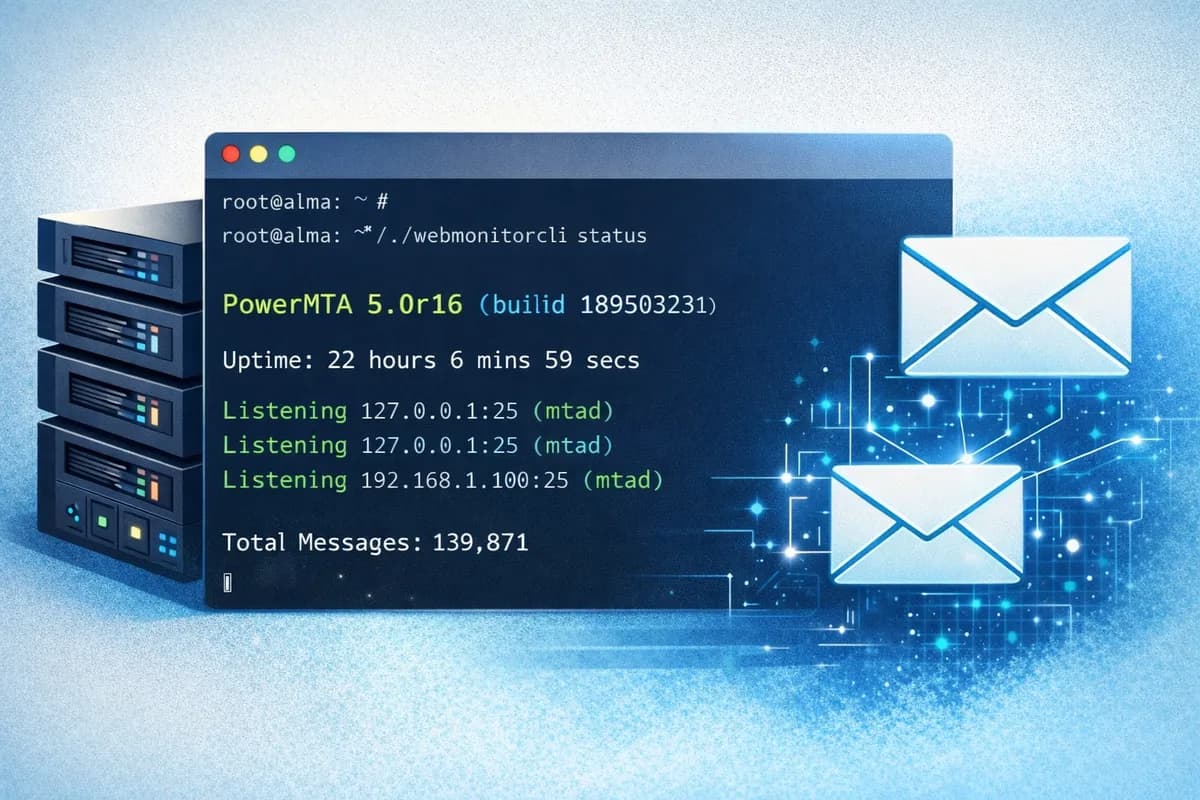
Why AlmaLinux 9 for PowerMTA in 2026?
PowerMTA remains a top choice for high-volume email sending, cold outreach, and bulk campaigns. It offers excellent control over deliverability and handles large scales reliably.
AlmaLinux 9 (and Rocky Linux 9) are the best modern replacements for older CentOS setups. They support the latest PowerMTA versions (up to 6.0r3), have strong security updates, and work perfectly on cloud providers like Linode, DigitalOcean, Vultr, or AWS.
Manual installation can be frustrating — dependency problems, license errors, service failures. This guide covers what actually works, plus a smarter way to skip the hassle.
Step 1: Prepare Your Fresh AlmaLinux 9 Server
Launch a new VPS with at least 2GB RAM, 2 vCPUs, and 50GB SSD (scale up for serious sending). Use the minimal AlmaLinux 9 ISO.
SSH in as root (or a sudo user), then run:
dnf update -y && dnf upgrade -yReboot if needed:
rebootInstall required packages:
dnf install -y epel-release
dnf install -y perl gdb wget nano curl net-tools firewalld
Enable and configure the firewall (PowerMTA mainly uses port 25):
systemctl enable firewalld
systemctl start firewalld
firewall-cmd --permanent --add-service=smtp
firewall-cmd --reload
Step 2: Download and Install PowerMTA
You must have a valid PowerMTA license from Port25 (now under MessageBird/SparkPost). Download the .rpm file for your version from your licensed account.
Example download (replace with your real link):
wget https://your-license-server/PowerMTA-6.0rX.rpmInstall it:
rpm -ivh PowerMTA-6.0rX.rpmCommon error: "Invalid LAK signature" — usually from copy-paste issues with the license key. Re-download or check for extra spaces/newlines.
Step 3: Basic Configuration and Start the Service
Edit the main config file:
nano /etc/pmta/configAdd essential settings (customize as needed):
<virtual-mta MYVMTA>
    <source YOUR_SERVER_IP>
    </source>
</virtual-mta>

smtp-source-hostname yourdomain.com
Enable and start the service:
systemctl enable pmta
systemctl start pmta
Check status:
systemctl status pmtaIf it fails, check logs:
journalctl -u pmtaor
tail -f /var/log/pmta/pmta.logCommon fixes: Remove stale PID file (rm /var/run/pmta.pid) or check permissions on /var/run.
Step 4: Set Up DNS and Deliverability Basics
Set reverse DNS (rDNS) on your IP via your cloud provider panel (e.g., point to mail.yourdomain.com).
Add SPF, DKIM, and DMARC records (example SPF via Cloudflare/GoDaddy):
v=spf1 ip4:YOUR_IP ~allUse tools like mxtoolbox.com to verify.
Warm up your IP slowly: Start with 50–100 emails/day and increase gradually to avoid reputation damage.
The Easier Way: PMTAcore One-Click Install
Manual setup takes hours and often breaks. PMTAcore — our Windows desktop app — automates everything on AlmaLinux 9/Rocky Linux servers.
Connect via SSH, select your PowerMTA version (4.5r1 to 6.0r3), and install with one click. It handles dependencies, firewall rules, basic configs, and even pushes DNS records if you connect your Cloudflare/GoDaddy/Namecheap API.
Bonus features: Built-in bulk email validator, IP blacklist checker (50+ lists), SMTP tester, and multi-server management from one place. Your credentials stay local — no cloud risks.
Try the free trial first (limited features but great for testing). Download here: Get the App.
Final Tips for Success in 2026
- Keep spam complaints below 0.1% — validate lists before sending.
- Monitor blacklists regularly (PMTAcore makes this easy).
- Test deliverability to major inboxes like Gmail/Yahoo often.
- Avoid sudden volume spikes — reputation is everything.
Questions about errors or setups? Leave a comment below. Check our documentation or contact support for help.
Related Articles
PowerMTA Gmail Bulk Sender Requirements 2026: Compliance Guide
Follow step-by-step PowerMTA configuration, SPF/DKIM/DMARC setup, and DNS changes to meet Google and Yahoo 2026 bulk sender rules. Includes spam-rate limits, unsubscribe, and automated auditing.
Read more →
The Complete PowerMTA Setup Guide for High-Volume Email Sending
Learn how to install, configure, and optimize PowerMTA for high-volume email delivery. This complete guide covers DNS authentication, VirtualMTAs, IP warm-up, deliverability best practices, and scaling your email infrastructure.
Read more →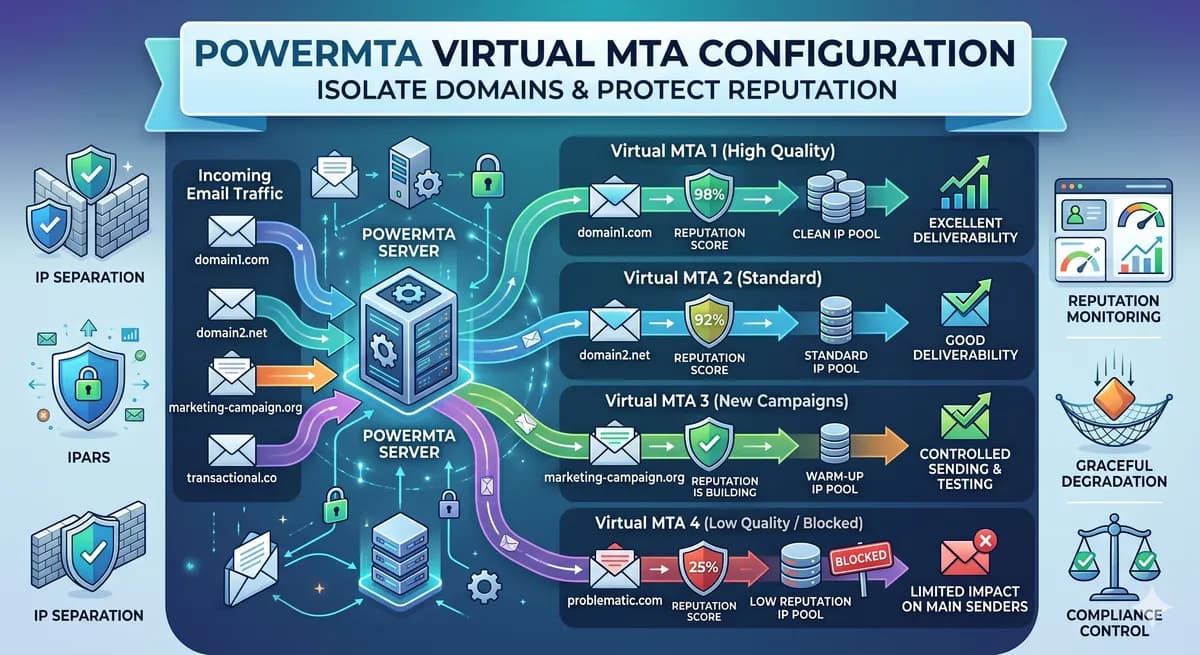
PowerMTA Virtual MTA Configuration – Isolate Domains & Protect Reputation
Using a single PowerMTA config for all domains is a critical mistake. Learn how to configure Virtual MTAs to isolate sending reputation, separate transactional from marketing mail, and prevent one bad domain from killing all your IPs.
Read more →