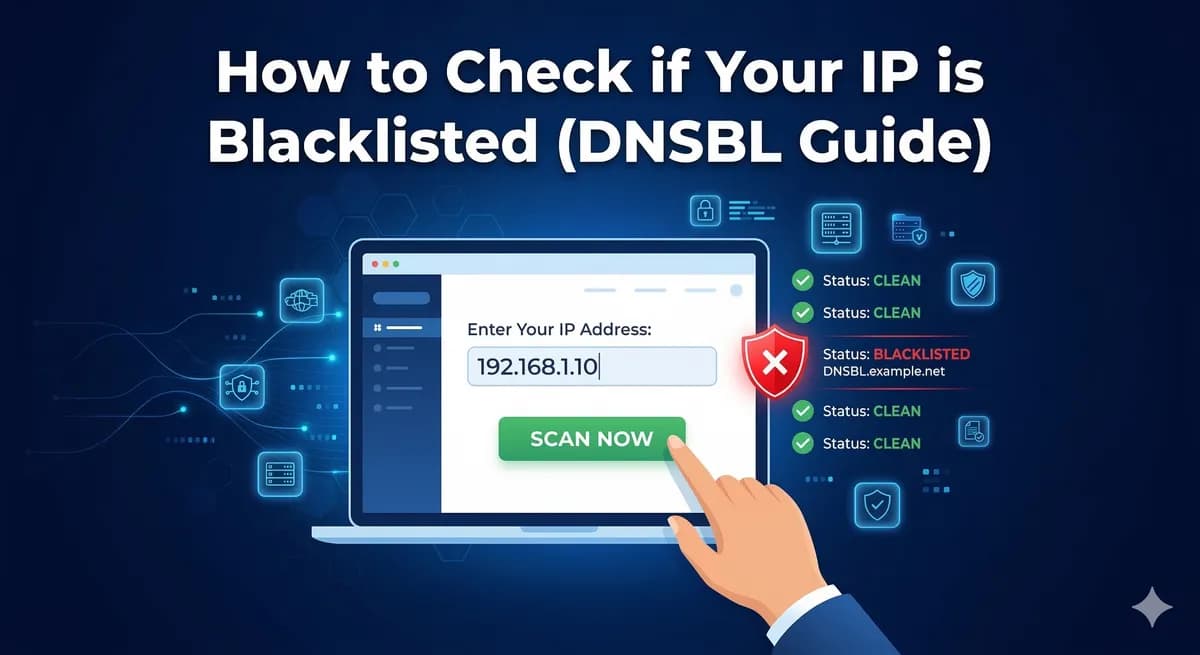
How to Check if Your IP is Blacklisted (DNSBL Guide)
If your emails suddenly stop getting delivered, your IP might be blacklisted. This guide explains how to check DNSBL listings, why they happen, and how to fix them.
Tutorials, guides, and insights on PowerMTA, email infrastructure, and cloud server management.

If your emails suddenly stop getting delivered, your IP might be blacklisted. This guide explains how to check DNSBL listings, why they happen, and how to fix them.

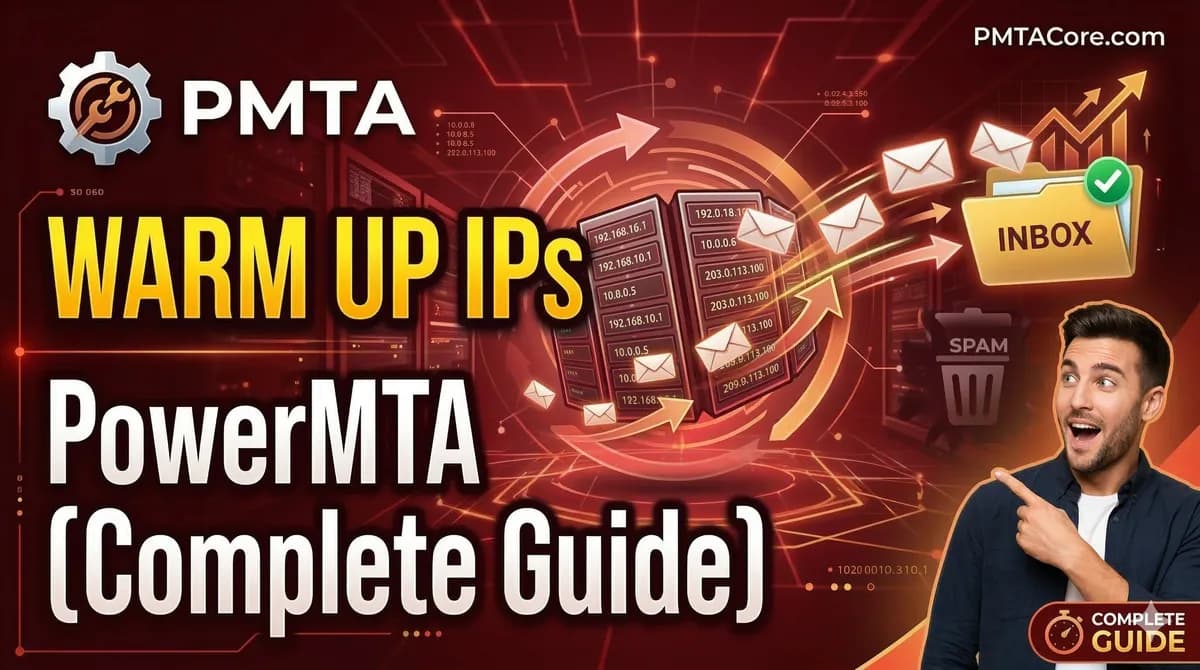
New IPs have zero reputation. If you blast thousands of emails on day one, you'll end up in spam or get blocked entirely. This guide shows you how to warm up IPs properly in PowerMTA.

Can't send email? The problem might be a blocked port or a broken SMTP connection. This guide shows you how to test SMTP on ports 25, 465, and 587 using simple tools.

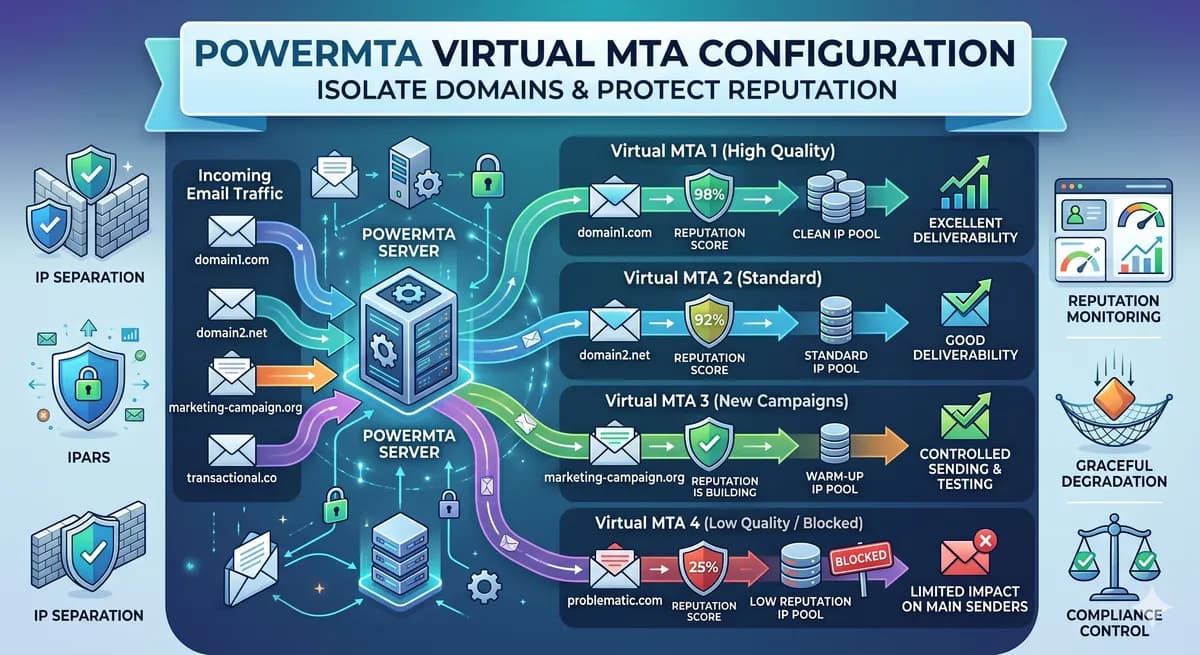
Sending all your email from one IP is risky. This guide shows you how to set up IP rotation in PowerMTA using virtual MTAs to spread volume and protect your sender reputation.

Brand new to PowerMTA? This beginner-friendly tutorial covers everything from picking a server to sending your first email. Written for people who have never touched an email server before.

Everything you need to install PowerMTA on AlmaLinux 8 or 9. This guide walks you through server preparation, installation, and getting your first email out the door.

A complete walkthrough for installing PowerMTA on Rocky Linux 9. From server prep to your first test email, this guide covers everything you need to get started.

Setting up PowerMTA manually was killing my time every single server. Then I tried PMTAcore desktop app and everything got so much easier. Full honest review: one-click install, email validator, DNS management, blacklist checker – how it saves hours and boosts deliverability. Must-read if you use Po

Running PowerMTA on Rocky Linux 8/9 or AlmaLinux? These are the top 5 errors people hit (startup fails, license problems, high bounces, blacklisted IPs). Real fixes from experience, plus how PMTAcore prevents most of them automatically.