Test SMTP Configuration & Verify Delivery
Verify your PowerMTA SMTP configuration is working correctly with PMTAcore's built-in SMTP testing tools. Test connections on ports 25, 587, and 465 with STARTTLS or implicit TLS support. Validate authentication credentials, send test emails with HTML content and base64 encoding, measure server response times, and detect server capabilities — all without leaving the app.
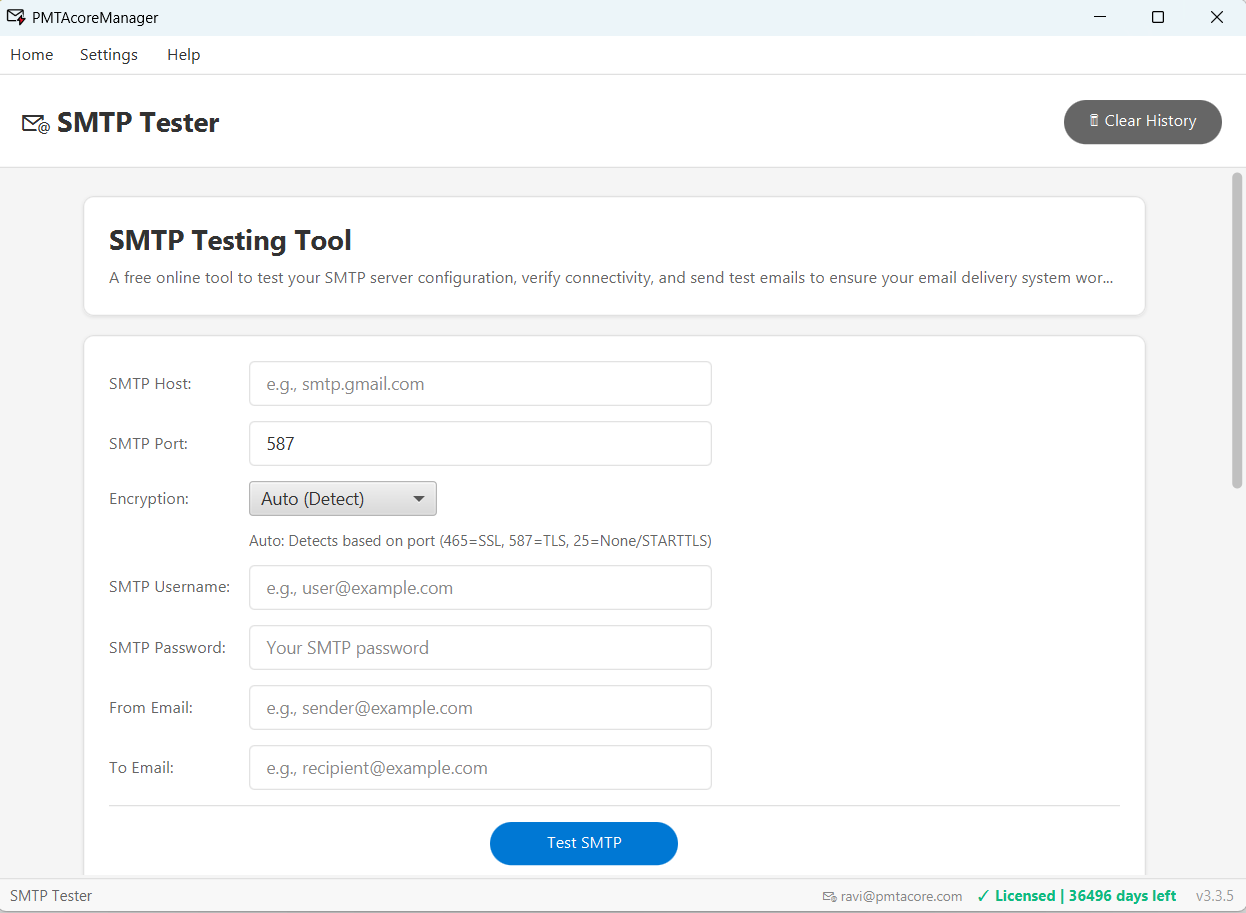
SMTP Testing & Diagnostics
Verify your PowerMTA SMTP configuration before sending campaigns
Multi-Port Connection Testing
Test SMTP connections on ports 25 (standard), 587 (submission), and 465 (implicit TLS). Verify each port is open and responding correctly on your PowerMTA server.
STARTTLS & Implicit TLS
Test both STARTTLS upgrade and implicit TLS connections. Verify your PowerMTA TLS configuration is working and certificates are valid.
Auth Validation
Validate SMTP authentication credentials against your server. Test username/password combinations and verify access is configured correctly.
Test Email Sending
Send test emails through your PowerMTA server with HTML content and base64 encoding support. Verify end-to-end delivery before launching campaigns.
Response Time Measurement
Measure SMTP server response times for each command. Identify slow responses that could indicate configuration issues or network problems.
Server Capability Detection
Automatically detects and displays SMTP server capabilities (EHLO response). See supported extensions, auth methods, and maximum message size at a glance.
Test Your PowerMTA Setup
Verify SMTP configuration, TLS, and authentication before sending campaigns with PMTAcore.