How to Warmup IP , Real Quick with PowerMTA
Quick IP warmup guide to increase email delivery from your IP, We help you warming up your IP like a Pro.
IPWarmup :
Setup PowerMTA and configure DNS (IP, SPF, MX , DKIM and DMARC) and once everything is done , Setup Amazon workmail, Google workspace and Microsoft Office 365 accounts (FREE Trial) and create 5-10 accounts in each .
and using our application send mails to each inbox directly and use our script to open mails automatically and move those mails to inbox automatically, our script manage to open your mails and move them from spam/junk to inbox,
our application will guide you from day 1 to 30, we already manage volume how much mails to send daily, so once you complete IP rotation you can start sending upto 15-20k mails daily guaranteed. we recommend at least 20-25 days of IP warmup before starting to send bulk mails.
We also offer IP Warmup service , you guys can contact us via support ticket for enquiry.
Related Articles

The Complete PowerMTA Setup Guide for High-Volume Email Sending
Learn how to install, configure, and optimize PowerMTA for high-volume email delivery. This complete guide covers DNS authentication, VirtualMTAs, IP warm-up, deliverability best practices, and scaling your email infrastructure.
Read more →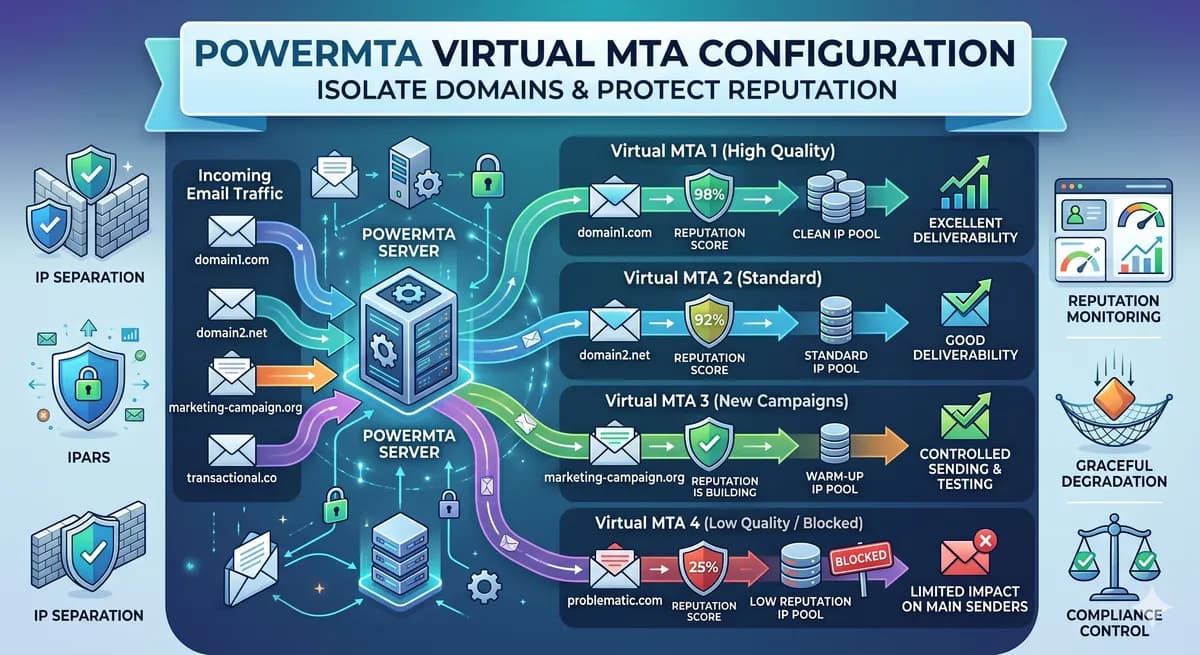
PowerMTA Virtual MTA Configuration – Isolate Domains & Protect Reputation
Using a single PowerMTA config for all domains is a critical mistake. Learn how to configure Virtual MTAs to isolate sending reputation, separate transactional from marketing mail, and prevent one bad domain from killing all your IPs.
Read more →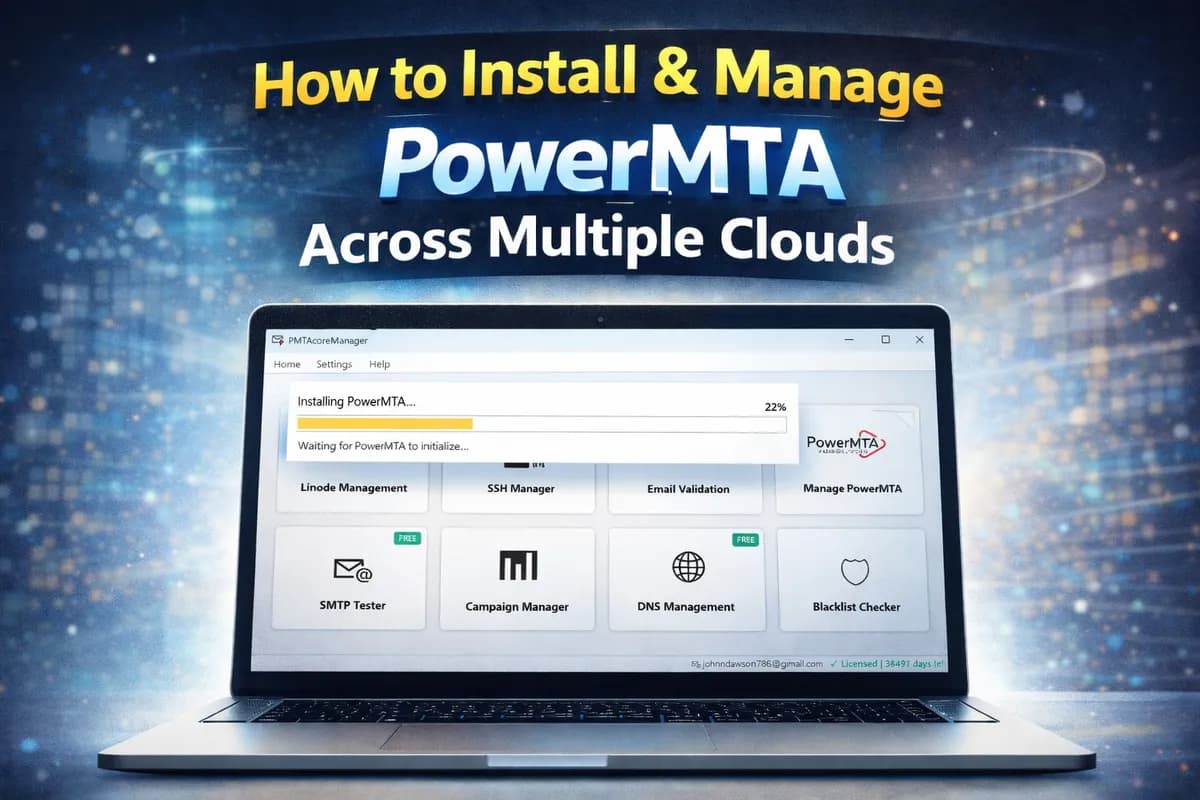
Man, PMTAcore Completely Changed How I Handle PowerMTA in 2026 – My Honest Review
Setting up PowerMTA manually was killing my time every single server. Then I tried PMTAcore desktop app and everything got so much easier. Full honest review: one-click install, email validator, DNS management, blacklist checker – how it saves hours and boosts deliverability. Must-read if you use Po
Read more →